Tool Required: Flathead ScrewdriverFollow these simple steps to adjust the trigger handle on the unit. This is useful if the trigger is no longer activating or if you want it in a more comfortable position.
Watch:
Step-By-Step Instructions:
STEP 1: Fasten Screw
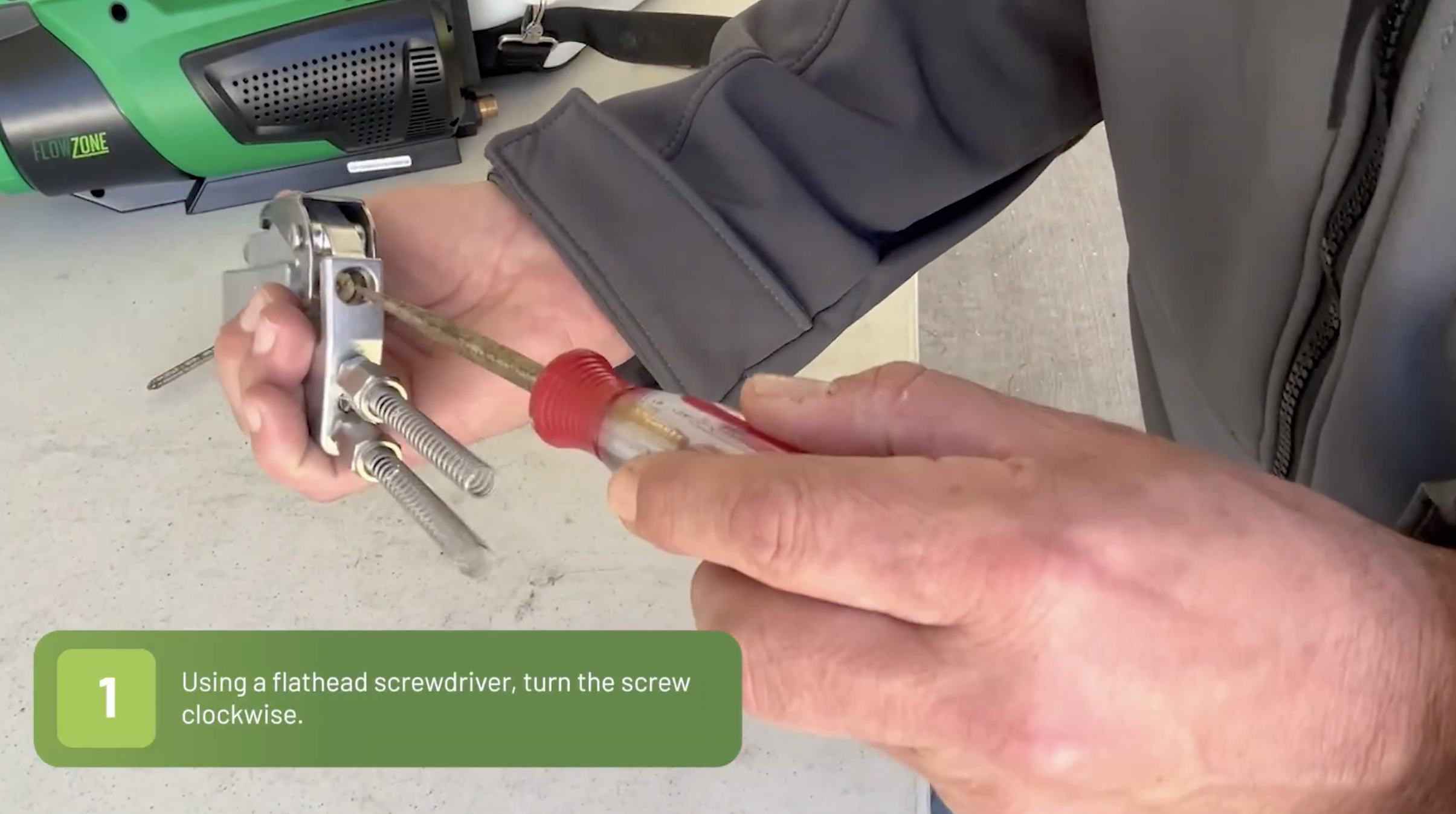
a. Use a flathead screwdriver to fasten the screw on the bottom side of the trigger.
b. Tighten the screw until the trigger fits comfortably in the users hand.
Note: The further in the screw, the farther up the trigger will be.STEP 2 : Secure The Nut Up To The Screw
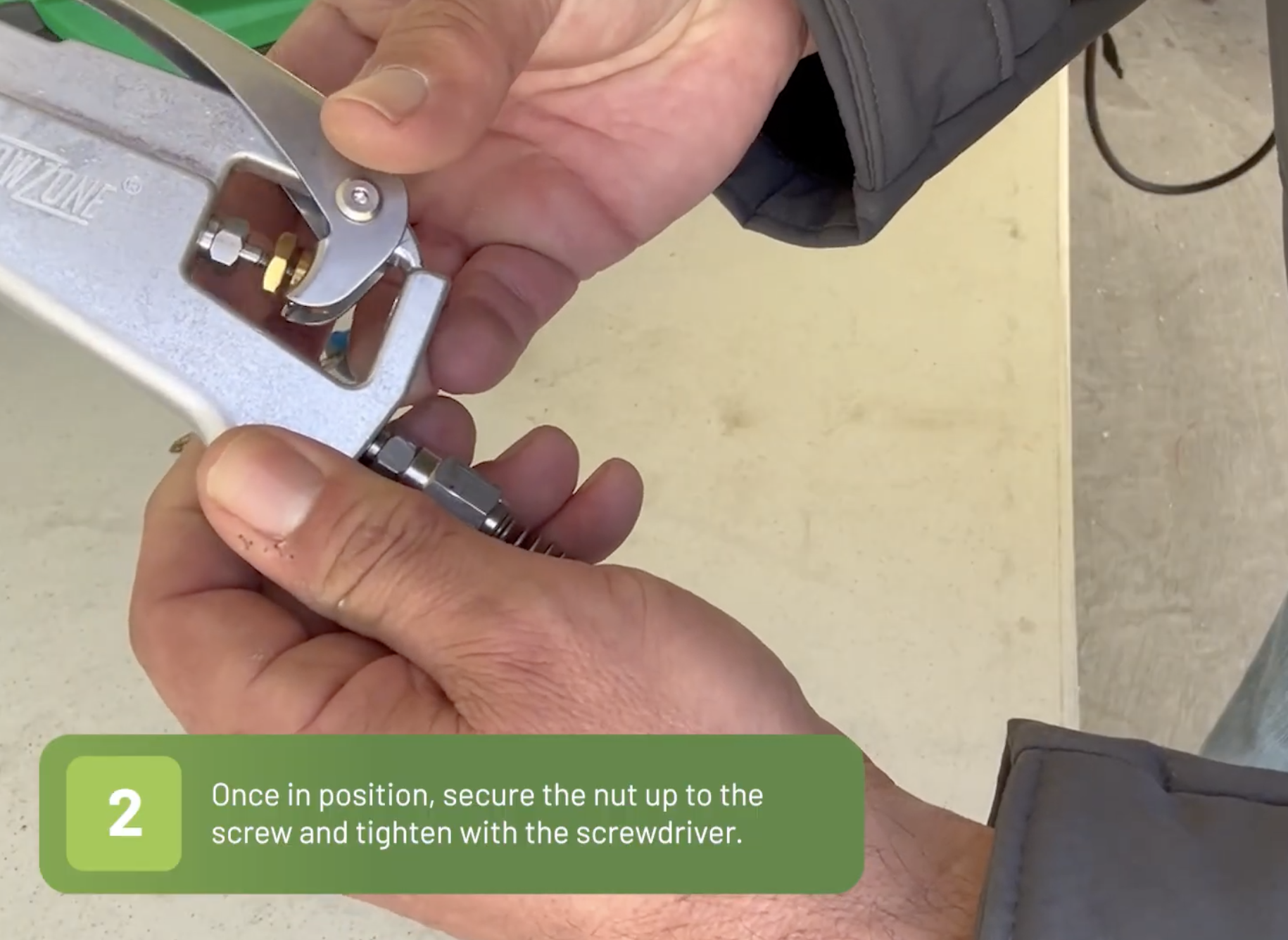
a. Once you have the trigger in the preferred position, secure the nut up to the screw.
b. Tighten the screw with the screwdriver.
Was this article helpful?
That’s Great!
Thank you for your feedback
Sorry! We couldn't be helpful
Thank you for your feedback
Feedback sent
We appreciate your effort and will try to fix the article